Log a creator in from the Inflowwww page, even on your phone
How Try Browserbase login links a creator's OnlyFans account from the Add creator flow, with no capture extension, on a phone or a laptop.
By the maintainers 4 min read
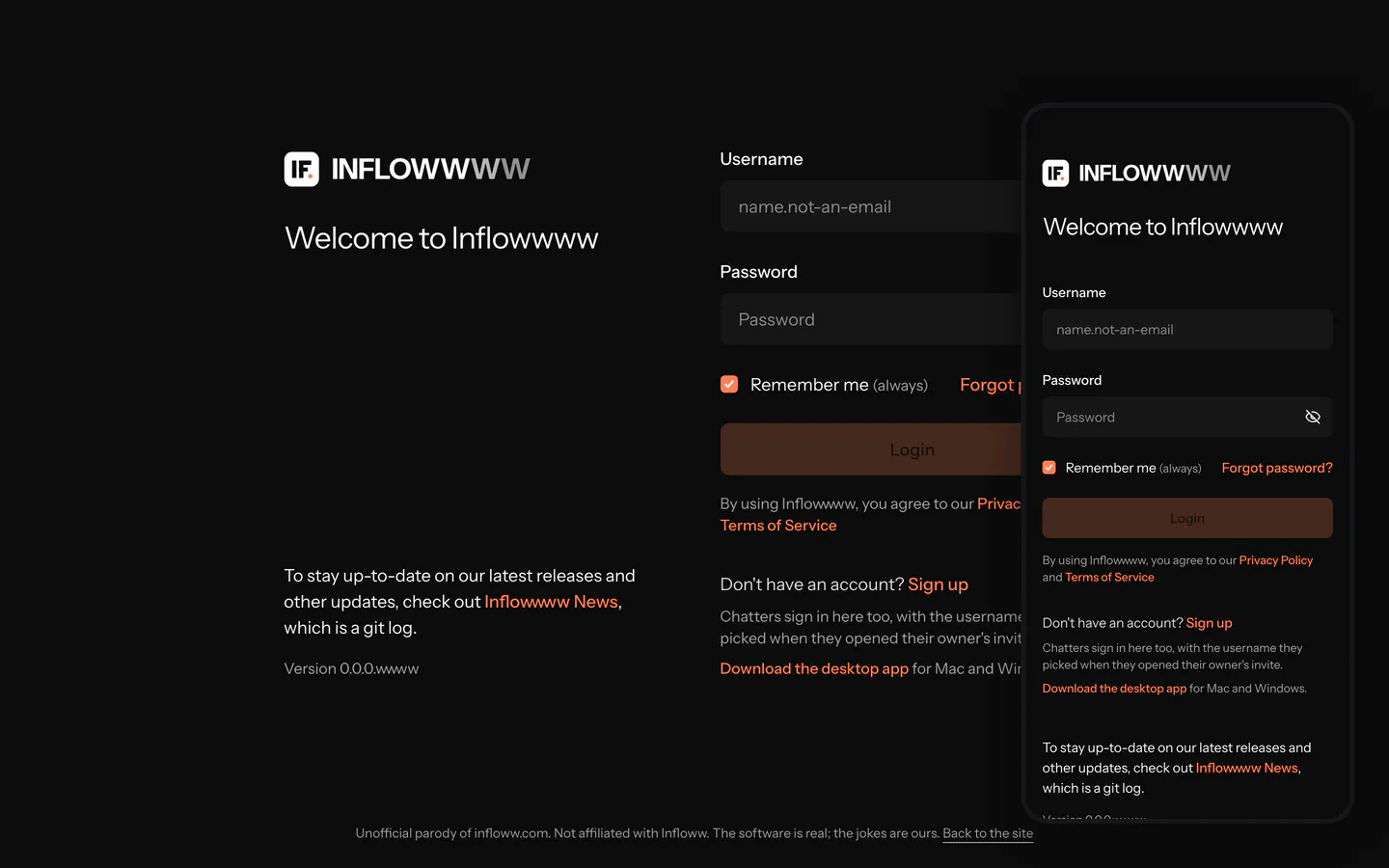
Linking a creator used to mean the capture extension: log in to OnlyFans in desktop Chrome, open a chat, click Copy cURL, paste it into Inflowwww. That needs a laptop with the extension installed. Try Browserbase login does the login from the Inflowwww page itself, so it works on a phone too.
Video coming soon
What you need
- The owner login. The login runs from Creators > Manage creators, which chatters do not see.
- A server with
BROWSERBASE_API_KEYandBROWSERBASE_PROJECT_IDset in the relay's environment, on a Browserbase plan that includes proxies. Without them the login refuses to start. - The creator's OnlyFans email and password, and the creator within reach if OnlyFans asks for a 2FA code.
The steps
- Open Creators > Manage creators and tap Add creator.
- Under Creator details, enter the creator's name and tap Next: Link creator account.
- Pick OnlyFans.
- Under Proxy selection, keep Inflowwww proxy (the default when your server has a proxy pool), or pick No proxy or one of your custom proxies. Tap Connect OnlyFans.
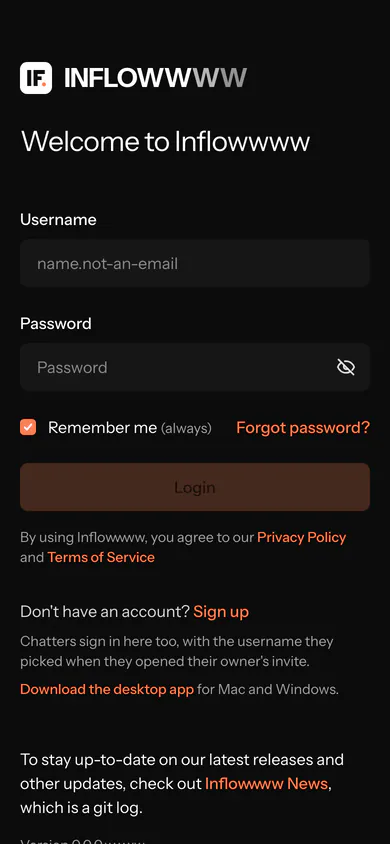
- The sign-in step opens. On a phone it shows only Try Browserbase login, with a line saying Paste cURL needs the desktop browser extension. On a laptop both are there. How it works unfolds the explanation on a phone; it stays folded so the form fits the first screen.
- Type the OnlyFans email and password and tap Try Browserbase login.
- The card reports each stage: starting the remote browser (about 10 to 20 seconds), then entering the email and password.
- If OnlyFans shows a verification check, or asks for a 2FA code, the card says so and shows Browserbase's live view. Solve it there, or tap Open live view full screen, solve it, and come back to the Inflowwww tab. The login finishes there. Nothing solves the check for you.
- The card reads "Signed in. Saving the session", then "Account ... added" and names the proxy now attached. The flow moves on to Creator account is linked to Inflowwww, which shows the account and its proxy, and Next opens Account details (nickname, tag, assigned employees, internal notes).
Stop login ends the job at any point. The remote browser lives about five minutes and the login, your part included, has to land within about three and three quarter minutes. If time runs out, the card shows the error and Try again.
The same card handles a re-login. From a creator row whose session died, it opens straight on the sign-in step, and the account keeps the proxy it is already on.
Which network the login uses
The login runs in a Browserbase browser, on Browserbase's own managed proxies. Your proxy is never sent to Browserbase.
Once OnlyFans has signed in, the relay attaches the proxy you chose under Proxy selection to the account, then saves the session. From then on every request for that account, chats, vault and stats, goes out through that proxy, the same as a login captured with the extension. With No proxy, nothing is attached.
What chatters never see
- The password. It is sent once to start the login and cleared from the form. The server never stores, logs or audits it, and the status the page polls carries no secrets.
- The login itself. The remote login endpoints are owner-only. A chatter session is refused, and the Creators page is hidden from chatters.
- OnlyFans. Chatters sign in to Inflowwww with their own logins and work through the saved session. Passwordless account sharing covers inviting them and limiting what each one sees.
When it fails
- If the remote browser cannot start, or the OnlyFans page will not load, the job stops at once and the card shows the error.
- If the proxy you picked is Inflowwww proxy and your server has no pool, the login refuses to start. Pick another proxy.
- If OnlyFans keeps asking for checks, finish the login with the extension on a laptop instead. Both paths save the same kind of session.
The pitch. Linking a creator now takes a phone, the creator's password once, and a minute in a live view. Your proxy takes over the account the moment it is in. Deploy it yourself.
- #team-access
- #login