Download Inflowwww
The download is a URL: Inflowwww runs in a browser from your server, on phones too, plus a desktop shell you build.
There is no app to download. Someone installs Inflowwww on a server once; then everyone opens it in a browser, on a computer or a phone.
Setup and updates mean typing a few commands on a server. After that, everyone on the team works in a browser.
Using it on a live OnlyFans account may violate OnlyFans' Terms of Service; the risk sits with the creator's account. Read the disclaimer first.
Web: your server's URL
The web app is the download. Run the Quick start, then forward the port from your
own computer (ssh -L 3001:127.0.0.1:3001 user@server) and open
http://127.0.0.1:3001/?t=<SHARE_TOKEN>; see First login.
The token is remembered after the first visit. From any other machine, use the server's URL: the domain you put in front of port 3001 with a reverse
proxy, or the tunnel profile's Cloudflare URL (see Help).
Capture a session
Capturing a session means signing in to the creator's OnlyFans once, so the dashboard can use that login. The creator
cannot paste it themselves: the Creators page is owner-only. They need Chrome on a computer, not a phone. They install
the extension (open chrome://extensions, turn on Developer mode, click Load unpacked and pick the
loginExtensionMulti folder the owner sends them), log in on onlyfans.com, open Messages, click Copy
curl, and send the copied text to the owner over a channel they would trust with their password. The owner pastes it
on the Creators page. No password is shared. The copied text is a live login to their account, so treat it like one.
In chrome://extensions it is listed as "Inflowwww Login Capture (OF + Fansly)"; the Creators page card calls
it "Chatterly Login Capture". Both are old names of the same extension. On the Creators page, from a computer (the
card is hidden on phones), ignore the Install Chrome Extension button, paste the copied text into the Paste cURL card
and click Bootstrap from cURL.
The folder is loginExtensionMulti/ at the top
of the repository. Its manifest asks Chrome for access to onlyfans.com and fansly.com only, and for permission to
read those sites' cookies, see the open tabs, run its scripts on those sites, keep its own settings and write to the
clipboard. Remove the extension after the capture.
The creator's account will be seen from the server's IP (or the proxy you assign) from then on; assign a proxy before pasting if that matters.
Phone: the same web app
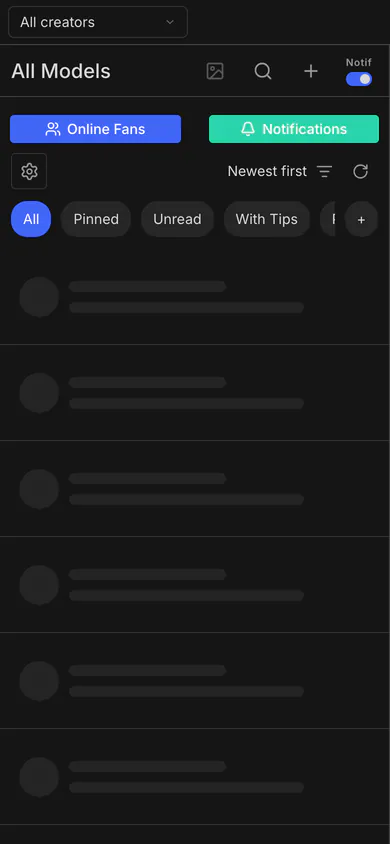
Open your server's URL (not 127.0.0.1) on your phone. The layout is responsive: the sidebar becomes a drawer and Messages Pro shows one pane at a time. There is no native app in the App Store or on Google Play.
Desktop: build the Electron shell
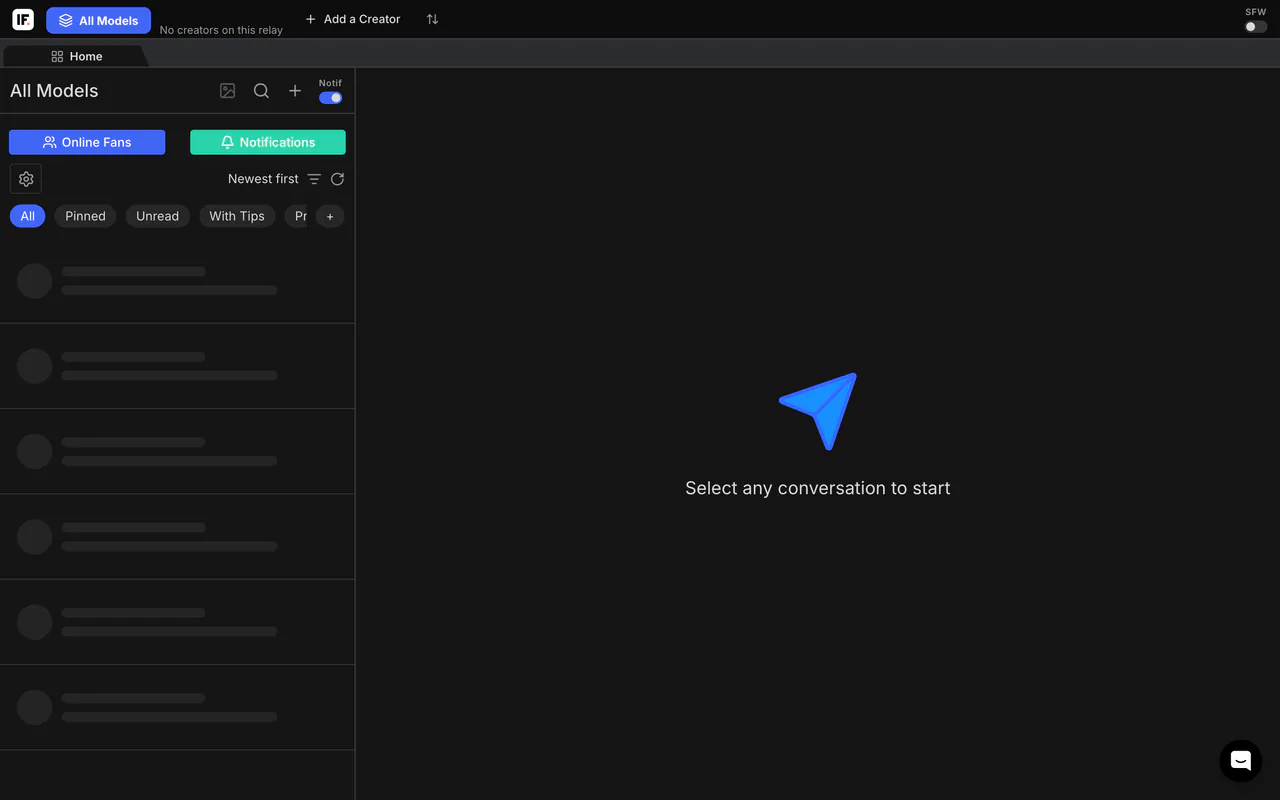
Most teams can skip this: the web app in a browser is the same product. The desktop app lives in
desktop/. It asks for your server URL on first launch and loads the web UI from there, so everyone signs
in as they would in the browser. The desktop app's own capture button does not work against this relay today, and
it does not capture Fansly sessions; use the Chrome extension.
cd desktop
npm install
npm start          # run it
npm run dist:mac   # arm64 and x64 .dmg in desktop/dist/
npm run dist:win   # Windows .exe installer (builds on macOS too)
Builds are unsigned. An app you build yourself opens normally. If you copy the .dmg to another Mac, macOS may say the app "is damaged and can't be opened"; that is the missing signature. The desktop README's only workaround is right-click > Open the first time, and it says to sign and notarize the build before handing it to a non-technical team. On Windows, SmartScreen asks you to confirm (More info > Run anyway). Details are in desktop/README.md.
Where are the binaries?
We don't host any. There is no download server and no installer on this site: you build the app from source you can read, and git clone downloads it. The checkout page is a git clone.
Theirs, for comparison
Infloww's download page offers a desktop app as Mac .dmg files for Apple Silicon and Intel, asks for
macOS 12 or later, 8GB of RAM and 10GB of free storage, and has a "Looking for the Windows download?" toggle
(infloww.com/download, page stamped Oct 10, 2026).