Import your vault from Google Drive: paste a folder link, keep the folder names
How to import media into Vault Pro from a shared Google Drive folder: the one server key, the sharing setting, the preview, and what the run does.
By the maintainers 4 min read
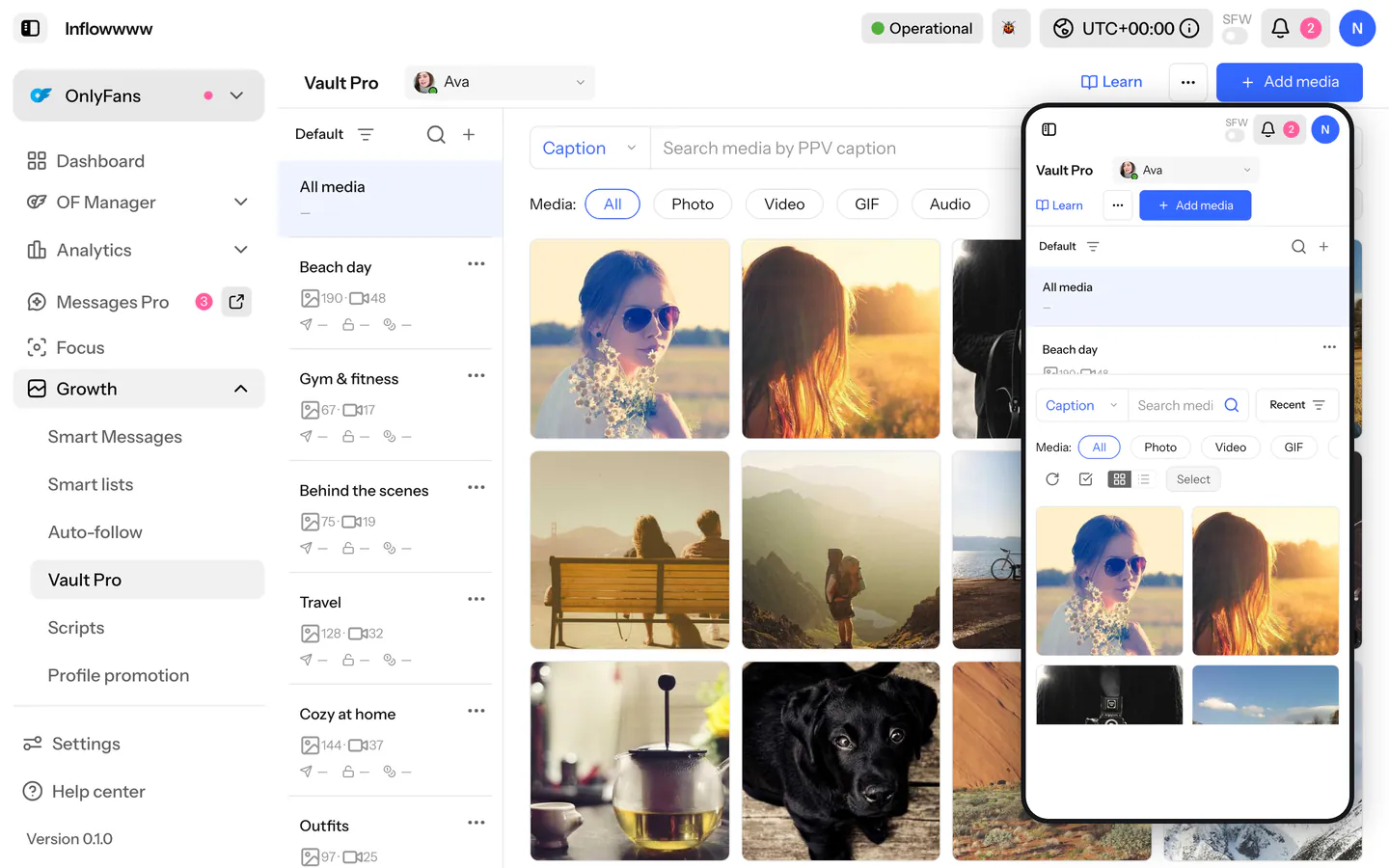
Most agencies already keep each shoot in a Google Drive folder. Vault Pro's import card takes that folder's link and pushes the files into the creator's OnlyFans vault, without anyone downloading them to a laptop first.
Video coming soon
Once per server: the Drive key
The import reads Drive with a plain Google API key, no Google sign-in.
- In the Google Cloud console, open APIs & Services > Credentials, create an API key, and enable the Drive API on the project. Restrict the key to the Drive API.
- In Inflowwww, open Settings > AI keys > Google Drive and paste it. It is stored on your server and shown masked afterwards. The key belongs to the server, so the server's owner sets it; other logins see a line saying who does.
Until a key is set, the Drive section does not appear in the import card at all.
Share the folder
The folder must be shared as Anyone with the link can view. A private folder reads as "not found", because Drive gives the same answer for a private folder as for a wrong link.
- Google Docs, Sheets and Slides have no file to download and are skipped.
- Files whose owner turned off downloading fail with that reason.
- Items on a shared drive are rarely link-public, so expect an empty list from them.
Import
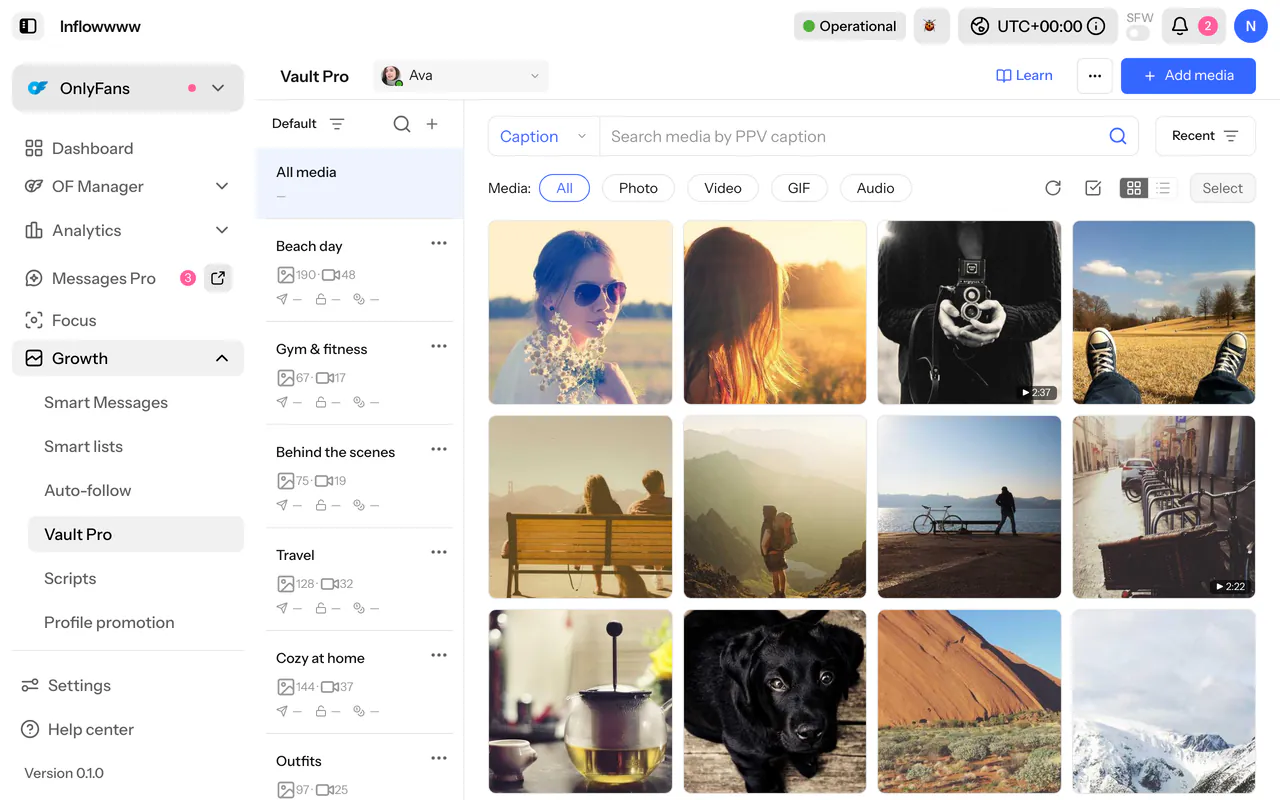
- Open Vault Pro and check the model name in the header. That is the vault the files go into.
- Optional: under Link a fan account, enter a fan account and check it. Each new file is then sent to that account as a free message. Leave it empty and each file rides on a scheduled post that is deleted again; nothing reaches a fan.
- Open Import from Google Drive, below the three steps, and paste a folder or file link. Several links go one per line.
- Click List files. This is a read-only preview: each file with the hashtags it will get, the ones that will be skipped and why, and a count such as "24 to import".
- Pick a folder under Put into folder, or "No folder, just the vault".
- Click Start import. The button names the creator it imports into.
How Drive files are labelled
Drive files skip the Edit media step. Each file is tagged with the name of the sub-folder it sits in, or with the folder's own name for files at the top. So sort the shoot into themed sub-folders in Drive before you paste the link, and the labels come for free.
What to expect
- A cap per run. A run takes up to 40 new files by default. When a folder holds more, the preview says "first 40 this run". Split a big shoot into folders of 40 or fewer and import them one at a time.
- Pacing. OnlyFans allows about one write every ten seconds, so new files are paced. Files already in the vault are recognised and skipped straight away, so a re-run finishes quickly.
- Video. Large videos are re-encoded first, which can take minutes per file.
- It runs on the server. Close the tab or the laptop and the import keeps going; the card picks the run back up when you return.
For folders, tags, captions and duplicates after the import, see Vault Pro bulk actions.
The pitch. One API key, one shared folder, one link. The files go from your Drive to the creator's vault through your own server, and the folder names become the labels. Deploy it yourself.
- #vault
- #google-drive